
Help centre
Step-by-step instructions for Digital Lawyer Diary: creating cases, inviting your team, assigning cases, customising the dashboard and installing the app.
Cannot find what you need? Email help@digitallawyerdiary.com.

Create a case in Digital Lawyer Diary
How to add a new case in Digital Lawyer Diary: open the Cases list, click + Create Case, fill in case details, contacts, fees and attachments, and save.
3 steps
Add a lawyer to your firm in Digital Lawyer Diary
How to invite a partner, junior or paralegal to your Digital Lawyer Diary firm, track the pending invitation, and manage active team members.
6 steps
Assign a case to a junior in Digital Lawyer Diary
How to hand a case to a junior or associate in Digital Lawyer Diary from the Cases list or the Case View action bar, so they get their own reminders.
2 steps

Customise your dashboard in Digital Lawyer Diary
How to rearrange, resize, add and remove dashboard widgets in Digital Lawyer Diary, and how to save or reset the layout.
4 steps
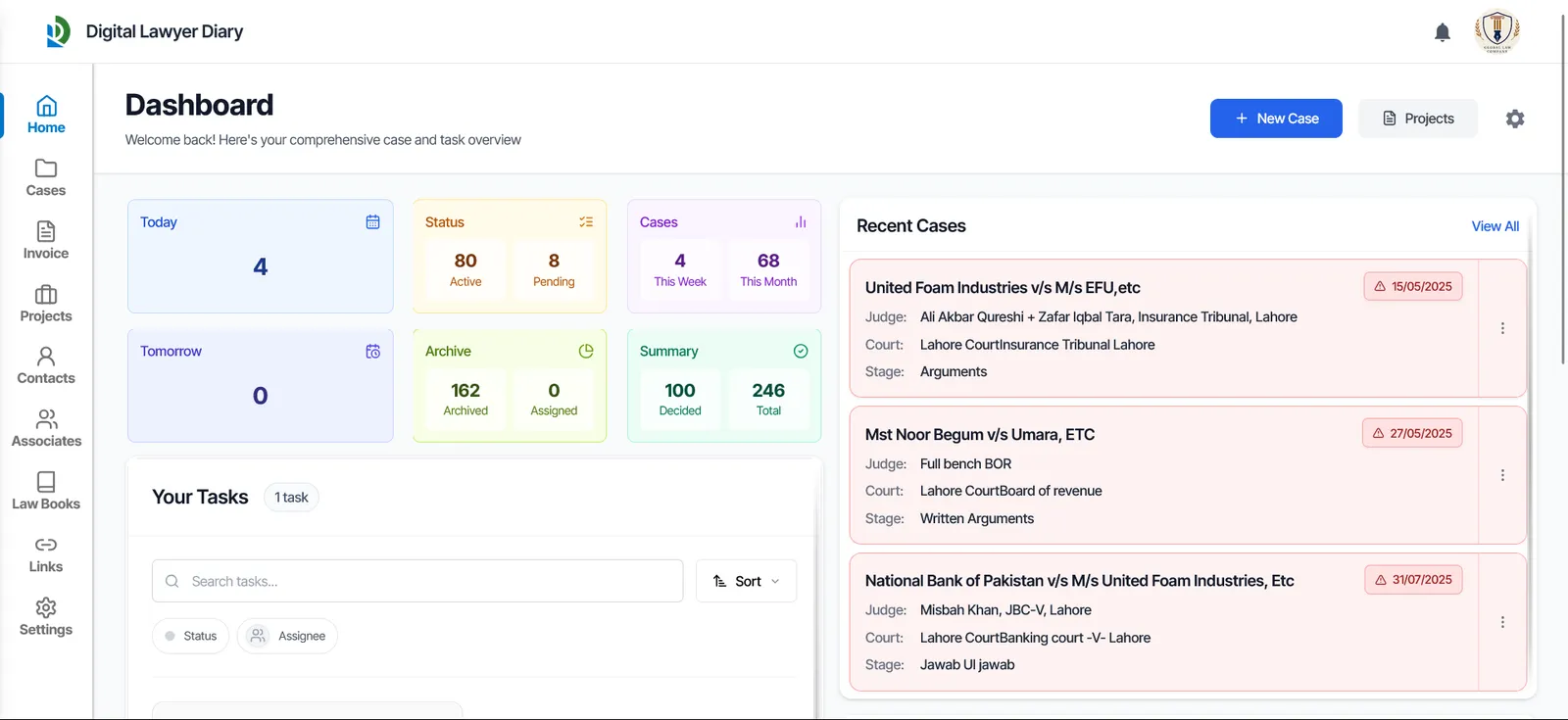
Install Digital Lawyer Diary as an app on Android & iPhone
How to install Digital Lawyer Diary on Android (Chrome) and iPhone or iPad (Safari) so it opens full screen from your home screen and works offline.
3 steps