Karnataka High Court online digital case diary: how to register and use it
If you practise before the High Court of Karnataka, two diaries matter: the court's own Online Digital Case Diary, and the one you keep for yourself. This guide is about the first. It covers what the portal is, who can register, what to have ready, how to tag cases to your enrolment number, what the dashboard and the Android app give you, and what to do if you are not registered yet. It ends with why the court's diary and your own do different jobs.
What the Online Digital Case Diary is
The Online Digital Case Diary is a service of the High Court of Karnataka, published at judiciary.karnataka.gov.in/casediary/. The court's newer domain lists the same service as the High Court of Karnataka Online Digital Case Diary at hck.gov.in/advreg/. It was developed by the High Court's in-house technical team rather than bought from a vendor, and it gives secure access, through verified credentials, to three kinds of user: advocates, litigants and government departments.
The idea is straightforward. You register once, tag the cases you appear in to your enrolment number, and the portal shows the history and current status of those cases on one dashboard, with updates sent to you as they change. The court has its Principal Bench at Bengaluru and benches at Dharwad and Kalaburagi; the diary is a service of the High Court rather than of any one bench.
The portal also matters to advocates who never intend to use its diary features. The High Court's modified video-conferencing guidelines, effective 11 December 2023, require participants to register on the Online Digital Case Diary as well as on the video-conferencing platform. Anyone appearing over video therefore needs an account, tagged cases or not.
Who can register (advocates, litigants, government departments)
The portal is built for three groups, each with its own login:
- Advocates, who tag cases to their enrolment number. The advocate user manual is written for this group and is the one this guide follows.
- Litigants, who want to follow their own matter without going through counsel each time.
- Government departments, whose officials monitor matters where the State or a department is a party.
According to figures the court published in December 2023, the database then held 11,204 registered advocates, 2,781 government officials, 110 litigants and 25 differently-abled advocates. The last figure is deliberate: the system captures details of differently-abled advocates and of judicial employees, in line with a Supreme Court of India directive, so if that applies to you, look for those fields when you register.
The spread also says something about use in practice: advocates are the large majority and litigant registrations are rare. Most parties still rely on counsel or on the public eCourts search covered later in this guide.
What you need before you register
Registration is short, but it goes faster with everything to hand:
- Your enrolment number, exactly as your State Bar Council issued it. Cases are tagged to this number, so a typo here means an empty dashboard later.
- A mobile number you can reach right now. Registration verifies your contact details with an OTP, so a number that rings on a junior's phone or an old SIM will stall the process.
- An email address you actually check.
- A list of the cases you currently appear in, with case numbers, so you can tag them in one sitting rather than piecemeal over weeks.
- For a firm, the names and enrolment numbers of the associates you want linked to it. The advocate manual has sections on registering a firm and its associates.
The court's own advocate user manual has screenshots of each screen. We could not open the portal from where this guide was written, so this guide describes the steps only as far as the court's published material allows. Where this guide and the manual differ, follow the manual.
How to register and log in
- Open the portal at judiciary.karnataka.gov.in/casediary/ and choose the advocate registration option.
- Enter your contact details. The portal sends an OTP to verify them; enter it to confirm.
- Set your password. The manual has a section on changing it later, but choose something you can remember rather than something you will reset in a corridor before a hearing.
- Log in with your verified credentials.
An empty dashboard at this stage is normal. Nothing appears until you tag cases, which is the next step and the most commonly skipped one.
Tagging your cases to your enrolment number
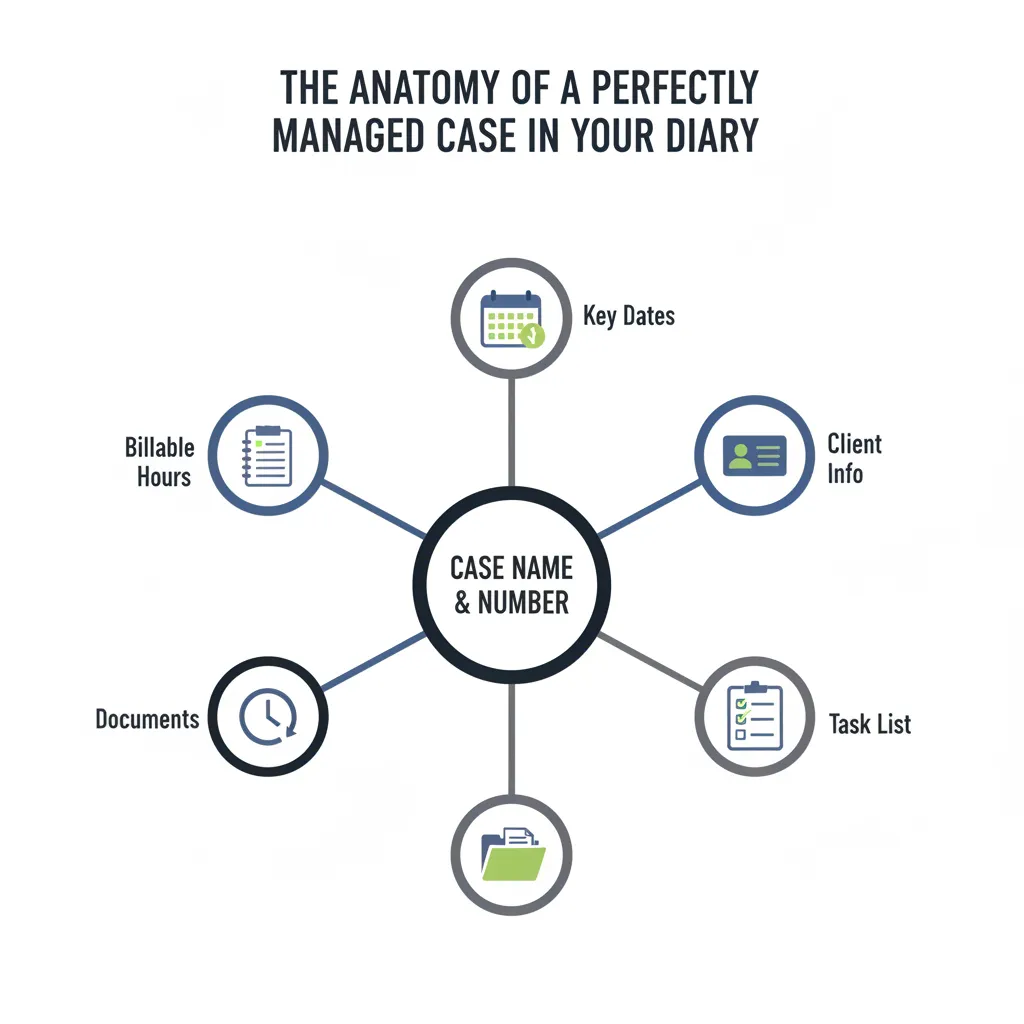
Tagging is what turns a login into a diary. After logging in, you tag each case in which you appear to your enrolment number. From then on the portal treats those cases as yours: it shows their histories and status on your dashboard and sends you updates about them.
A few practical points:
- Tag everything in one sitting. Work from your case list, not from memory. A case you forget to tag is a case the portal will never tell you about.
- Tag cases where you are one of several counsel. If your name is on the vakalat, tag it, even if a senior usually argues it.
- Tag new matters as they are filed, as part of the filing routine, so the list stays current.
- Firms should read the firm and associate sections of the manual first. Check there for how tagged cases relate to the firm account; we have not verified that behaviour ourselves.
The manual also describes a lawyer directory. Check what details it shows before you fill in your profile.
What the diary shows you every day
With cases tagged, the dashboard shows the history and current status of each one, and the portal sends updates as those change. That is the whole product: the court's own record of your cases, filtered to you. It replaces a round of separate searches with one page.
Be clear about what it does not do, because that gap is where mistakes happen. The portal is the court's record of the case, not a record of your practice. It does not know which junior is covering a matter, what the client has paid, what you told the client after the last hearing, or what is listed for you tomorrow in a district court or tribunal. Those belong in your own diary, covered in the last section.
The mobile app
The High Court has an Android app for the diary, created in collaboration with the EDCS wing of e-Governance, Government of Karnataka. It lets users track the life cycle of their cases from a phone, which is where most advocates actually want to check a status.
Look for the download link on the portal or in the manual. We could not verify where the court publishes it, so get the link from the court's own pages rather than installing an app that merely uses the court's name.
If you are not registered: searching by advocate name on eCourts
If you have not registered yet, or you want to check a case you have not tagged, eCourts High Court Services at hcservices.ecourts.gov.in offers a public Case Status search by advocate name for the High Court of Karnataka. It is a search, not a diary: you get results, and nothing is remembered for next time.
That is fine for an occasional check and poor as a daily habit. If you run the same advocate-name search every morning, that is the signal to register on the Online Digital Case Diary and tag the cases once.
Keeping your own diary alongside the court's
The court's diary answers one question well: what is the status of the High Court cases the court knows I appear in. Your own diary answers the others. What do I have tomorrow, across every court? What stage is each matter at? What did the judge say last time? What fee is outstanding? Which junior updates the date after the hearing?
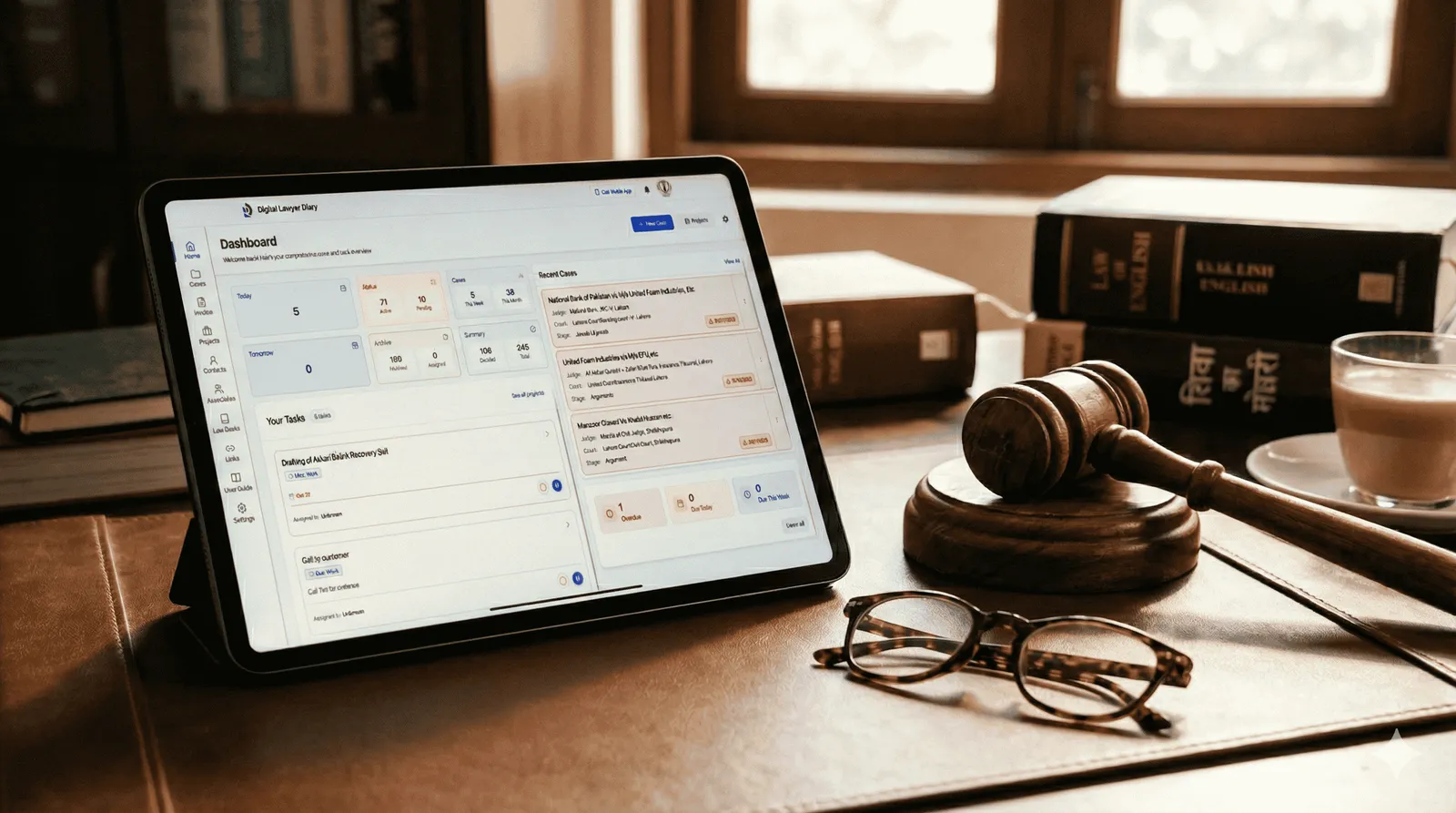
Digital Lawyer Diary is a free advocate diary built for that second set of questions. You record each case once, with court, judge, stage, next date and fees. It shows tomorrow's hearings, sends reminders, and lets juniors update dates after a hearing. It does not connect to or pull data from the High Court portal. It is your working diary, kept by you, sitting alongside the court's system rather than replacing it. If you prefer paper for the daily view, there is a printable 2026 advocate diary template, and our guide on how to manage an advocate diary covers the habits that keep either version accurate.
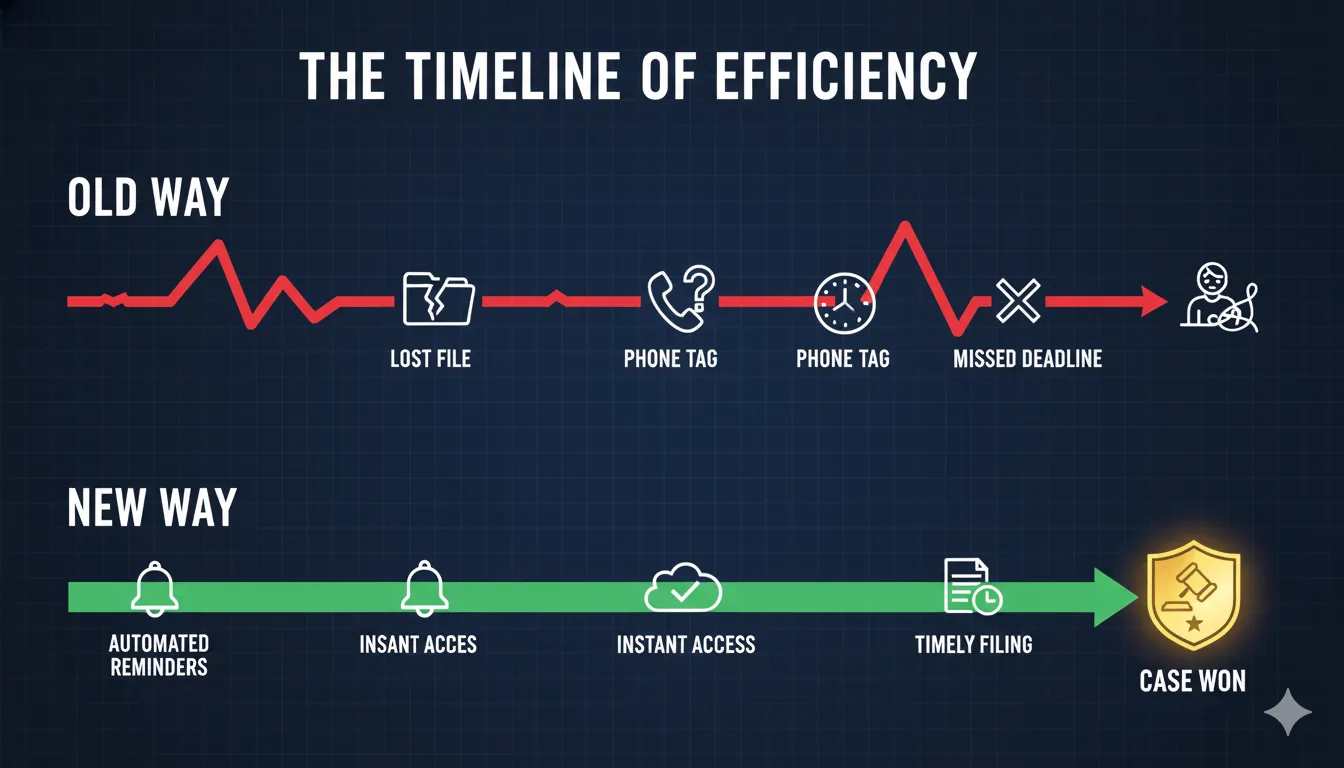
A workable routine is this: check the court's diary or app for status changes, then record the outcome and the next date in your own diary the same day. The court's record tells you what happened. Your record tells you what to do about it.
Register on the court's portal this week, tag your cases, and then set up your own free diary for everything the portal cannot see. If you want the paper version first, download the printable 2026 diary.
Frequently asked questions
Who can register on the Karnataka High Court Online Digital Case Diary?
The portal gives secure access through verified credentials to three groups: advocates, litigants and government departments. According to figures the court published in December 2023, it held 11,204 registered advocates, 2,781 government officials, 110 litigants and 25 differently-abled advocates. It also records details of differently-abled advocates and judicial employees, following a Supreme Court of India directive.
How do I register for the Karnataka High Court case diary?
Open judiciary.karnataka.gov.in/casediary/, choose advocate registration and enter your contact details. The portal verifies them with an OTP. After logging in, tag each case you appear in to your enrolment number so the dashboard shows its history and status. The court's advocate user manual, linked from the portal, contains screenshots of every step.
Do I have to register on the diary to appear by video conferencing?
Yes. The High Court of Karnataka's modified video-conferencing guidelines, effective 11 December 2023, require participants to register on the Online Digital Case Diary in addition to registering on the video-conferencing platform itself. Register a few days before your first video hearing rather than on the morning of it, so the OTP step and case tagging are already done.
Is there a mobile app for the Karnataka High Court case diary?
Yes. The High Court of Karnataka released an Android app, created in collaboration with the EDCS wing of e-Governance, Government of Karnataka. It lets registered users track the life cycle of their cases from a phone. Check the portal or the user manual for the current download link, since we could not verify where it is published.
Can I check Karnataka High Court case status without registering?
Yes, at a public level. eCourts High Court Services at hcservices.ecourts.gov.in offers a Case Status search by advocate name for the High Court of Karnataka. It returns results for a single search and remembers nothing, so it suits an occasional check, while the court's Online Digital Case Diary suits an advocate who wants a standing list of tagged cases.
Have a question about this article? Contact us or browse the help centre.